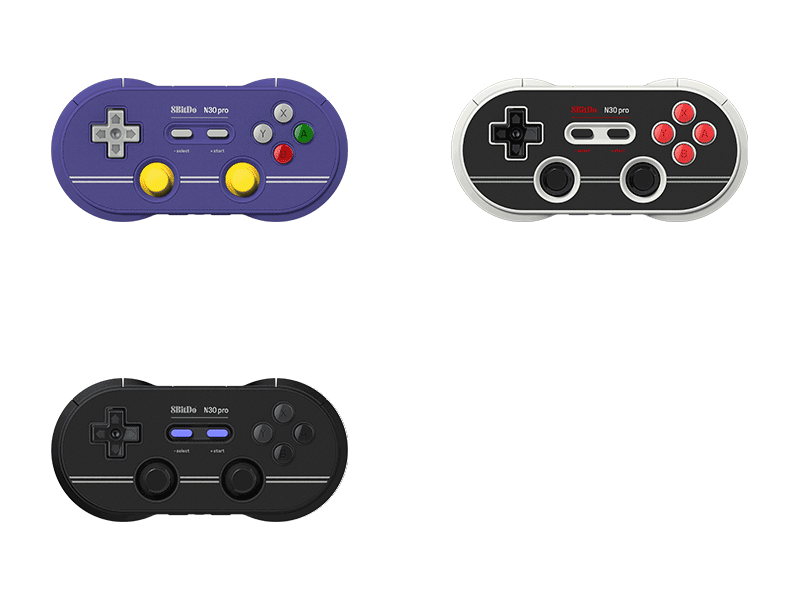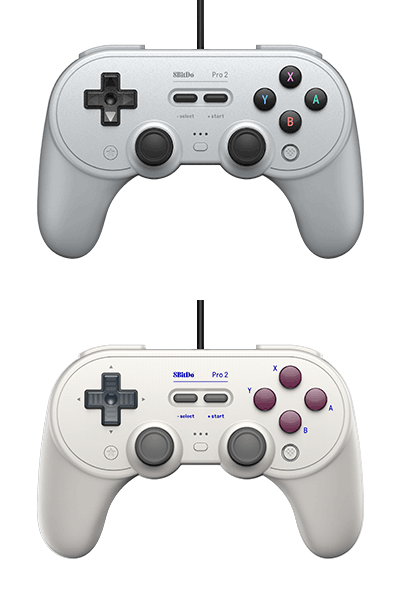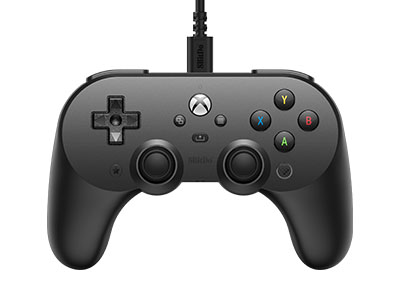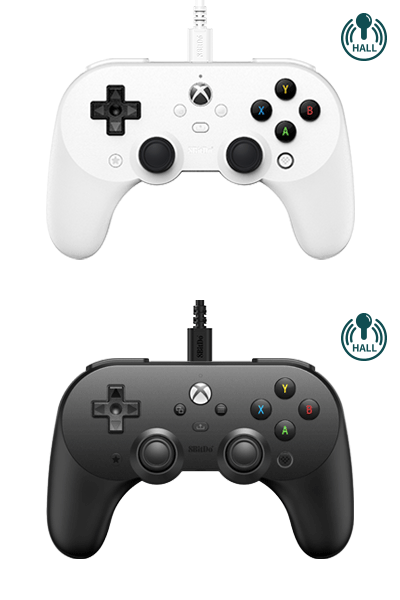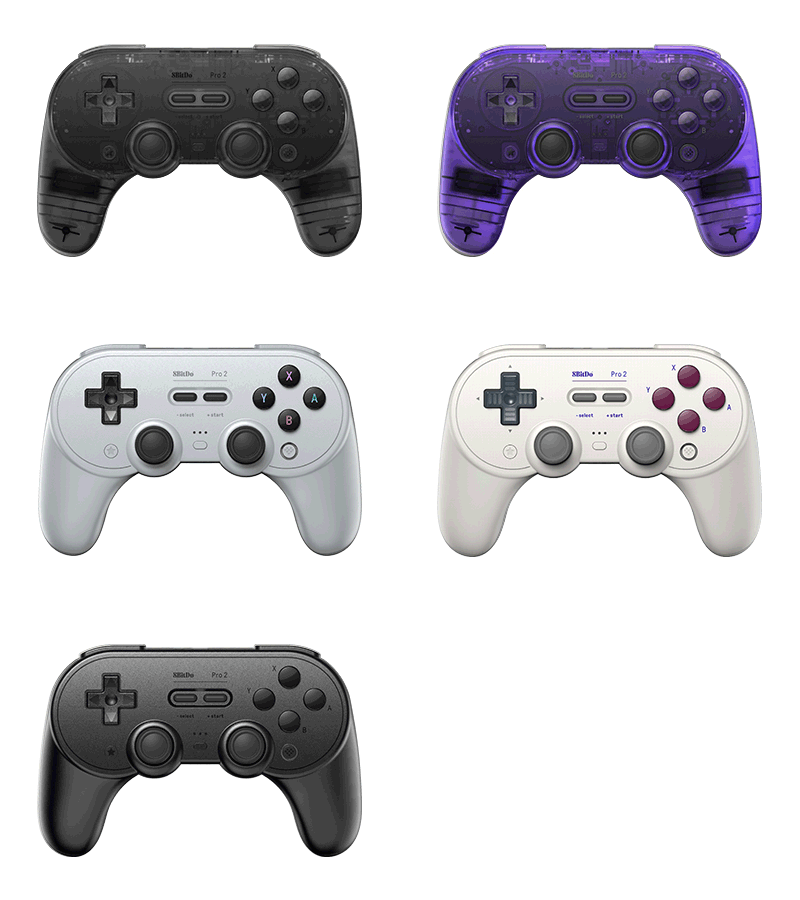
Pro 2
Play like a Pro on Xbox. Now upgraded with Hall Effect joysticks. Added new White edition.
$41.99
$54.99
Colors:
Transparent Blue (Hall Effect Joystick) Jade Green (Hall Effect Joystick) Translucent Purple (Hall Effect Joystick)
Firmware: v3.06
Firmware Updater:
Features
- Hall Effect triggers and joysticks
- 2 Pro back paddle buttons
- Ultimate Software on Xbox and Windows PC
- 3.5mm audio jack
- Impulse trigger and vibration
- Enhanced grip
Compatibility
- Xbox Series X|S
- Xbox One
- Windows 10 and above
In the Box
- Pro 2 Wired Controller for Xbox
- USB cable
- Instruction manual
Tech Specs
| Dimensions | 153.6x100.6x64.5 mm |
|---|---|
| Weight | 210.5g |
| Cable Length | 8.2 ft. / 2.5 m |
Downloads
FAQ
What is the difference between 8BitDo Pro 2 and SN30 Pro+ ?
A. Hardware & Functionality Pro 2: two Pro-level back buttons, custom Profile switch button, Profile indicator, 4-Way mode switching button B. Exterior design Pro 2: textured surface on the grip, new gray colour edition C. Ultimate Software Pro 2: Windows, macOS, Google Play, App Store SN30 Pro+: Windows, macOS
Does this controller have Screenshot, Home and Turbo buttons when connected to Switch? Can I also wake up my Switch with it? Additionally, does it have NFC function?
When connected to Switch, you can find on this controller: A. Screenshot = STAR button B. Home button = Logo button Turbo function can be set on its Ultimate Software, and NFC functions are not applicable here. You can not wake up your Switch wirelessly with this controller.
What systems does it work with? Does it auto reconnect to those systems?
Pro 2 is a Bluetooth controller, it works with Switch, Windows, Android, Raspberry Pi, macOS.It auto reconnects to all the systems mentioned above with the press of START once they have been successfully paired.
Does it work with PS5, Xbox Series S/X, PS3, PS4, Xbox One, Xbox 360, Wii, Wii U?
No, it does not.
What are the P1 and P2 buttons used for?
P1 and P2 are 2 dedicated macro buttons. You can create macros by using 8BitDo Ultimate Software. Go to https://support.8bitdo.com/ultimate/pro2.html to get it.
What are the four small LEDs for on the bottom of the controller?
They are controller mode indicators: A. LED 1 blinking: D-input mode B. LED 2 blinking: X-input mode C. LED 3 blinking: macOS mode D. LED Rotating: Switch mode or pairing mode E. Solid LED: connection is successful * It also indicates the player mode when connected to Switch and Windows 10
Does this controller use HD rumble or a normal rumble?
It uses a normal rumble, not HD rumble. You can turn on/off the vibration and alter the sensitivity via our Ultimate Software. The initial vibration level is maximum.
What is the Bluetooth range?
10 meters. This controller functions the best within the range of 5 meters.
Can I use it wired, via a USB-C cable?
Yes, you can. You can connect it to Switch, Windows, Android, Raspberry Pi and macOS using a USB cable.