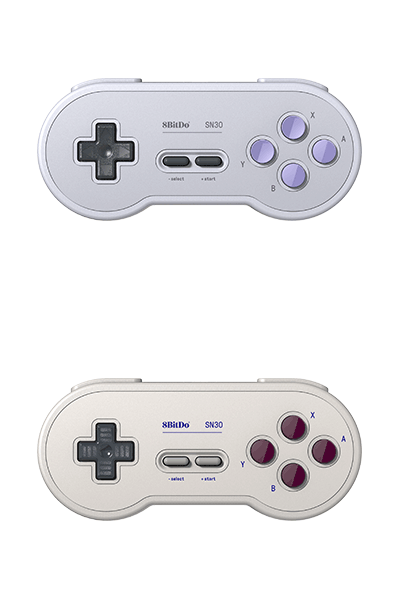
SN30
SN30 Pro Bluetooth Controller for Android + clip
$35.99
$44.99
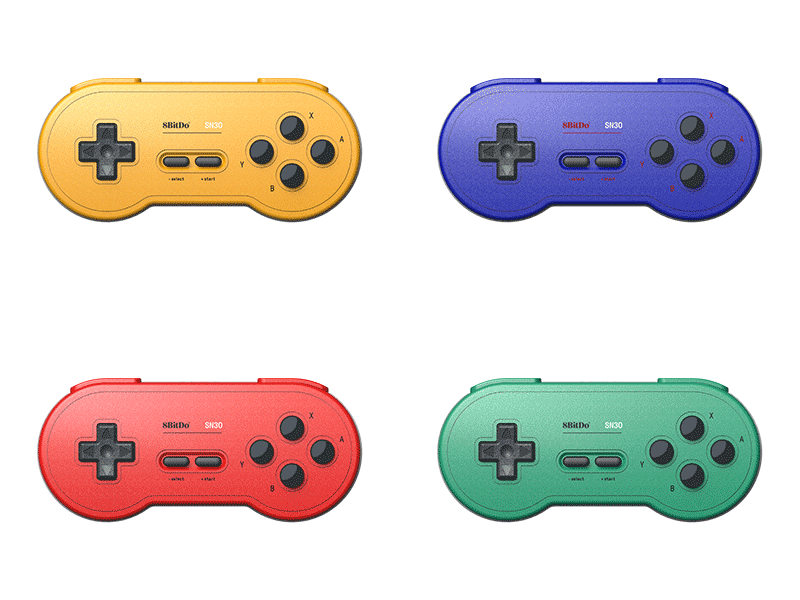
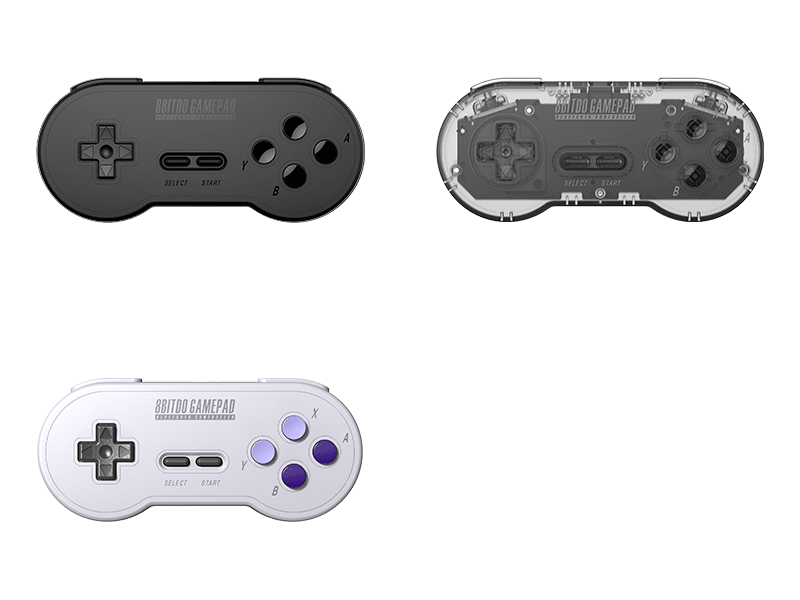
Colors:
Gamepad with Clip
Firmware: v6.16
Firmware Updater:
Features
- bluetooth connectivity
- button swap function
- Ultimate Software
- pro level mobile gaming clip
Compatibility
- Android
- Apple iOS 16.3 and above
- Apple iPadOS® 16.3 and above
- Apple tvOS® 16.3 and above
- Apple macOS® 13.2 and above
In the Box
- SN30 Pro Bluetooth Controller for Android
- Mobile Gaming Clip
- USB cable
- Instruction manual
Tech Specs
| Dimensions | 144x63.4x33 mm |
|---|---|
| Weight | 111g |
| Battery | 480 mAh (Li-ion) |
| Charge Time | 2 hours |
Downloads
FAQ
What systems does it work with? Does it auto reconnect to those systems?
It works with Switch, Windows 10, macOS, Android, Raspberry Pi. It does auto reconnect to all the systems mentioned above with the press of START once they have been successfully paired.
Does it work with PS5, Xbox Series, PS3, PS4, Xbox One, Xbox 360, Wii, Wii U?
No, it does not.
Can I use it on original SNES or SNES Classic Edition?
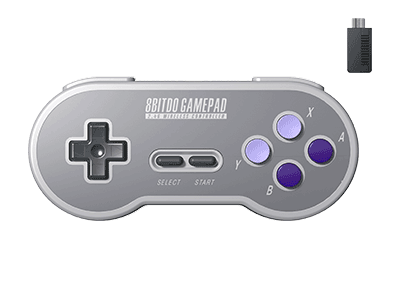
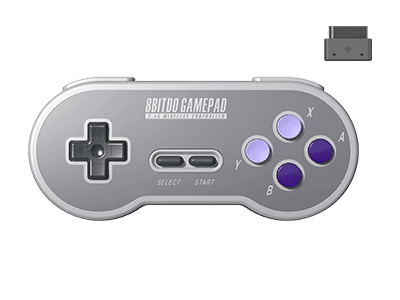
Yes, but you need to use SNES retro receiver or NES/SNES Mini retro receiver to build the connection between them to play.
Does this controller have Vibration, Motion censor, Turbo, NFC functions? Can I also wake up my Switch wirelessly with this controller?
No, it does not have Vibration, Motion censor, Turbo, NFC functions. When it is connected to Switch, SELECT+DOWN = Switch Home button. No, you can not wake up your Switch wirelessly with this controllers.
Can I use to play Super Smash Bros. Ultimate? Does the Dpad on this controller function as left analogue stick?
Yes, you can. The Dpad on this controller does function as left analogue stick.
Can I use multiple SN30 controllers on one device at a time?
Yes, you can. Just connect them via Bluetooth connection, as long as the device can take multiple Bluetooth devices.
Does it work with 8BitDo Bluetooth receivers/adapters?
Yes, it does.
Can I use it wired, via a USB cable?
Yes, you can. You can connect it to Switch, Windows 10, Android, Raspberry Pi and macOS using a USB cable.
My SN30 does not connect to Switch no matter how many times I have tried. What should I do?
This might be caused by there are too many controllers connected to your Switch, as one Switch can take up to 10 controllers at a time maximum. Please follow the steps below to fix it: A. Go to ‘System Setting’ on your Switch, then click on ‘Controllers and Sensors’ to disconnect the controllers which are connected to it B. Restart your Switch C. Press and hold Y+START to turn back on the controller. Press SELECT button for 3 seconds D. Go back to ‘System Settings’ and choose ‘Change Grip/Order’ to pair them
How many SN30 controllers can I use at a time?
It depends on the number of controllers each device can take. Multiple SN30 controllers can be used at a time.