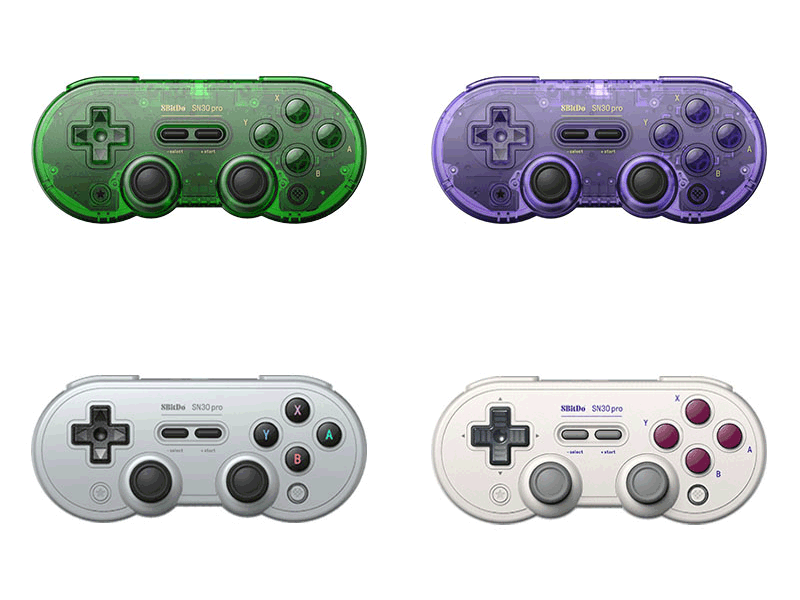
SN30 Pro
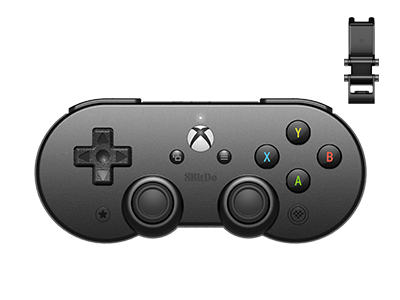
SN30 Pro Bluetooth Controller for Android + clip
$35.99
$44.99
Colors:
Gamepad with Clip
Firmware: v2.06
Firmware Updater:
Features
- bluetooth connectivity
- button swap function
- Ultimate Software
- pro level mobile gaming clip
Compatibility
- Android
- Apple iOS 16.3 and above
- Apple iPadOS® 16.3 and above
- Apple tvOS® 16.3 and above
- Apple macOS® 13.2 and above
In the Box
- SN30 Pro Bluetooth Controller for Android
- Mobile Gaming Clip
- USB cable
- Instruction manual
Tech Specs
| Dimensions | 144x63.4x33 mm |
|---|---|
| Weight | 111g |
| Battery | 480 mAh (Li-ion) |
| Charge Time | 2 hours |
Downloads
FAQ
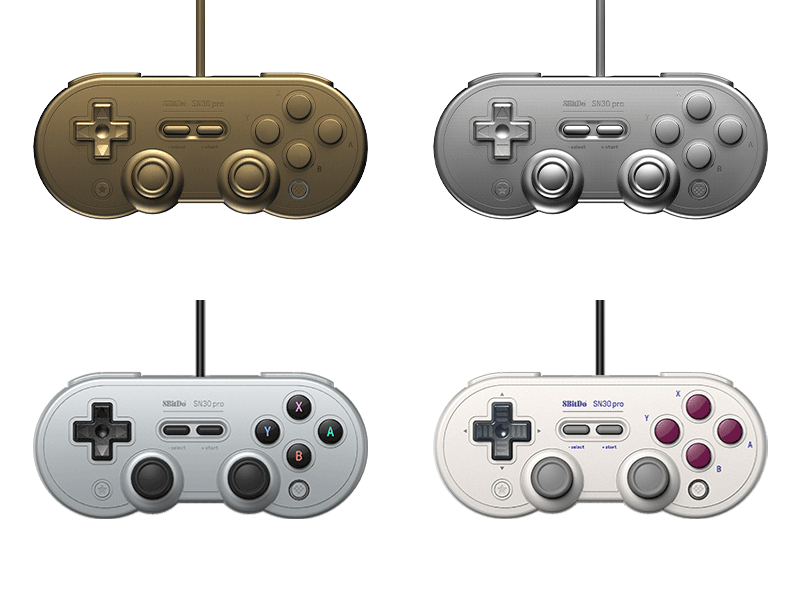
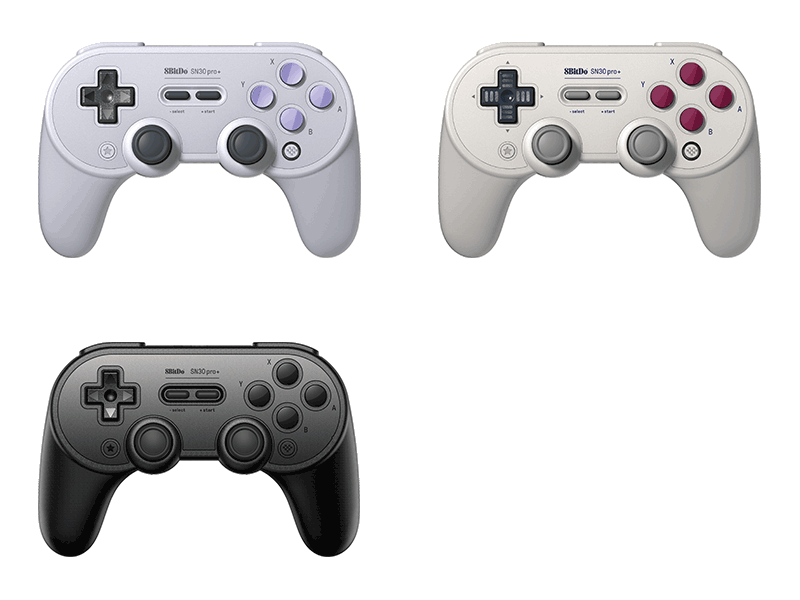
What is the difference between SN30Pro SN edition and SN30Pro G Classic edition?
The difference is their exterior design only. A. Texture on the Dpad B. Button colours C. Buttons shapes D. Enclosure colours As for system compatibility and functionality, they are the same.
Do they have Screenshot, Home, Turbo, NFC functions when connected to Switch? Can I also wake up my Switch wirelessly with this controllers?
When connected to Switch, you can find on these controllers: A. Screenshot = STAR button B. Home button = Logo button Turbo and NFC functions are not applicable here When connected to other devices, you can find on these controllers: A. Turbo button = STAR button No, you can not wake up your Switch wirelessly with this controllers
What systems do they work with? Do they auto reconnect to those systems?
They work with Switch, Windows 10, macOS, Android, Raspberry Pi. They auto reconnect to all the systems mentioned above with the press of START once they have been successfully paired.
Does it work with PS5, Xbox Series, PS3, PS4, Xbox One, Xbox 360, Wii, Wii U?
No, it does not.
What is the difference between SN30 Pro and N30 Pro2?
The differences are: A. Shoulder button physical layout SN30 Pro – two level placement for R1/R2 and L1/L2. N30 Pro 2 – one level placement for R1/R2 and L1/L2. B. LED indicators SN30 Pro – four small LED lights placed on the bottom of the controller. N30 Pro 2 – two long narrow curved lights on the sides. C. Motor and thumb stick cap size SN30 Pro - eccentric shaft gear motor and 17mm diameter thumb stick cap. N30 Pro 2 – Linear vibration motor and 11mm diameter thumb stick cap.
My controller does not turn on anymore. Nothing happens when I press on it. What should I do?
Please follow the procedure below to fix the issue: A. Press and hold START for 8 seconds B. Press and hold L1+R1+START for 3 seconds to enter its upgrade mode. Red Power LED will turn on C. Go to https://support.8bitdo.com/firmware-updater.html to get Upgrade Tools and upgrade its system following the instructions D. Restart the controller and follow the instruction manual provided on our website afterwards
How can I make sure the button mapping on this controller is as Switch Pro not Xbox controller when it is connected to Steam?
Just follow the procedure as below: A. Press and hold Y+START to turn on the controller B. Press and hold pairing button for 3 seconds to pair them C. Find ‘Switch Pro support’ & ‘Nintendo button mapping’ and click on them
What are the four small LEDs for on the bottom of the controller?
They are controller mode indicators: A. LED 1 blinking: D-input mode B. LED 2 blinking: X-input mode (Xbox 360 mode) C. LED 3 blinking: macOS mode D. LED Rotating: Switch mode or pairing mode E. Solid LED: connection is successful *It also indicates the player mode when connected to Switch.
How do I charge the controller? How long does the battery last when fully charged?
We suggest you charge it via a phone power adapter. The controller uses 480mAh rechargeable battery with 1-2 hour charging time. The battery can last up to 18 hours when fully charged.
Can I use it wired, via a USB-C cable?
Yes, you can. You can connect it to Switch, Windows 10, Android, Raspberry Pi and macOS using a USB cable.
My SN30 Pro does not connect to Switch no matter how many times I have tried. What should I do?
This might be caused by there are too many controllers connected to your Switch, as one Switch can take up to 10 controllers at a time maximum. Please follow the steps below to fix it: A. Go to ‘System Setting’ on your Switch, then click on ‘Controllers and Sensors’ to disconnect the controllers which are connected to it B. Restart your Switch C. Press and hold Y+START to turn back on the controller. Press the pairing button on the controller for 3 seconds D. Go back to ‘System Settings’ and choose ‘Change Grip/Order’ to pair them
Does this controller use HD rumble or a normal rumble?
It uses a normal rumble, not HD rumble.
How many SN30 Pro controllers can I use at a time?
It depends on the number of controllers each device can take. Multiple SN30 Pro controllers can be used at a time.
What is the Bluetooth range?
10 meters. This controller functions the best within the range of 5 meters. * Help & Support* Top Copyright 2013~2026 8BitDo all rights reserved.