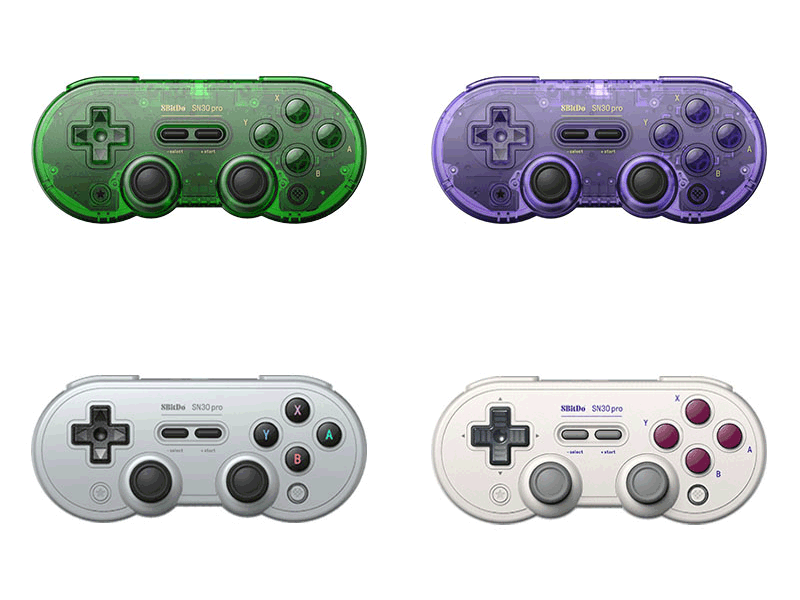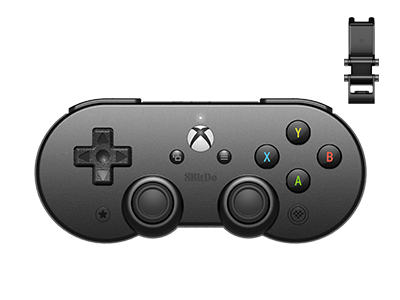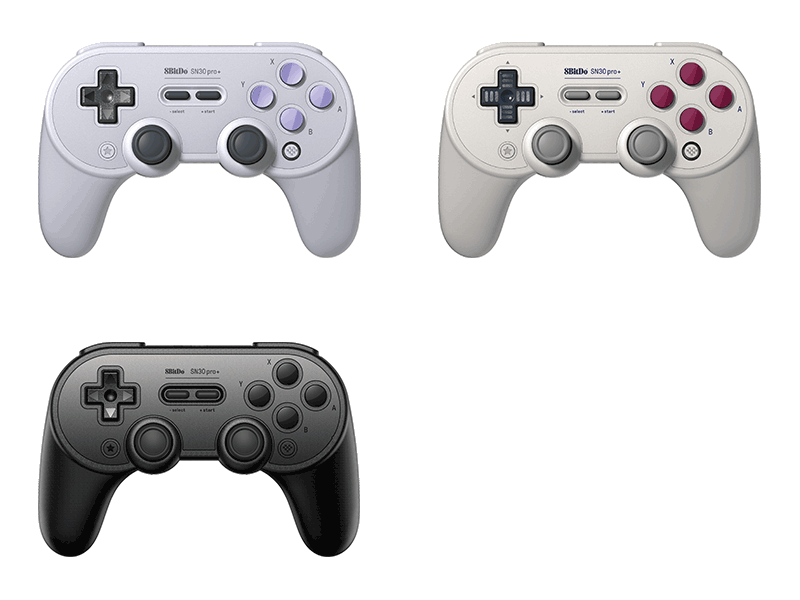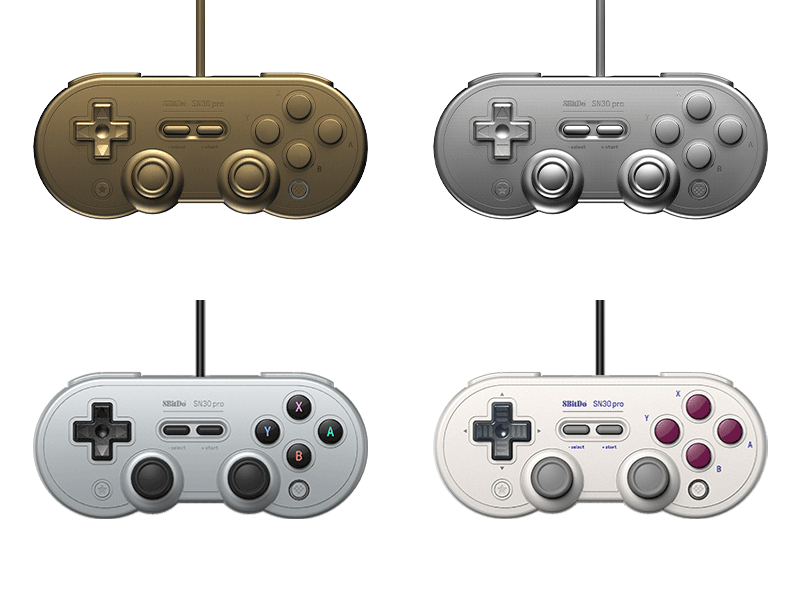
SN30 Pro USB
8BitDo’s 12th-anniversary limited edition. Compatible with Switch 1 / 2 and Windows.
Firmware: v1.06
· Download FW
Features
- Zinc-alloy material
- Vibration
- Turbo function (Windows only)
Compatibility
- Switch (3.0.0 and above)
- Switch 2 (20.1.1 and above)
- Windows 10 (1903) and above
In the Box
- 8BitDo SN30 Pro Wired Gamepad
- Instruction manual
Tech Specs
| Dimensions | 144x63.5x32.5 mm |
|---|---|
| Weight | 381g |
Downloads
FAQ
What is the difference between SN30 Pro USB and SN30 Pro Bluetooth?
The differences are: A. Connectivity SN30 Pro USB: wired USB connection only. SN30 Pro Bluetooth: both wireless Bluetooth connection and USB wired connection. B. Compatibility SN30 Pro USB: Switch, Windows 10 and Raspberry Pi. SN30 Pro Bluetooth: Switch, Windows 10, Raspberry Pi, Android and macOS. C. Motion controls SN30 Pro USB: N/A. SN30 Pro Bluetooth: Yes.
How long is the USB cable?
1.8 meters.
Can I use it with my PlayStation Classic Edition?
No, you can not.
Does this controller have vibration and motion controls?
It has vibration but not motion controls.
Does this controller have Screenshot, Home and Turbo buttons when connected to Switch? Can I also wake up my Switch with it? Additionally, does it have NFC function?
When connected to Switch, you can find on this controller: A. Screenshot = STAR button B. Home button = Logo button Turbo and NFC functions are not applicable here. You can not wake up your Switch it. When connected to Windows 10, you can set Turbo function to any of the face buttons as well as L & R buttons. STAR button will blink when the button with this function is pressed.
Can I remap A/B/X/Y buttons on when the controller is on its X-input mode?
No, you can not.