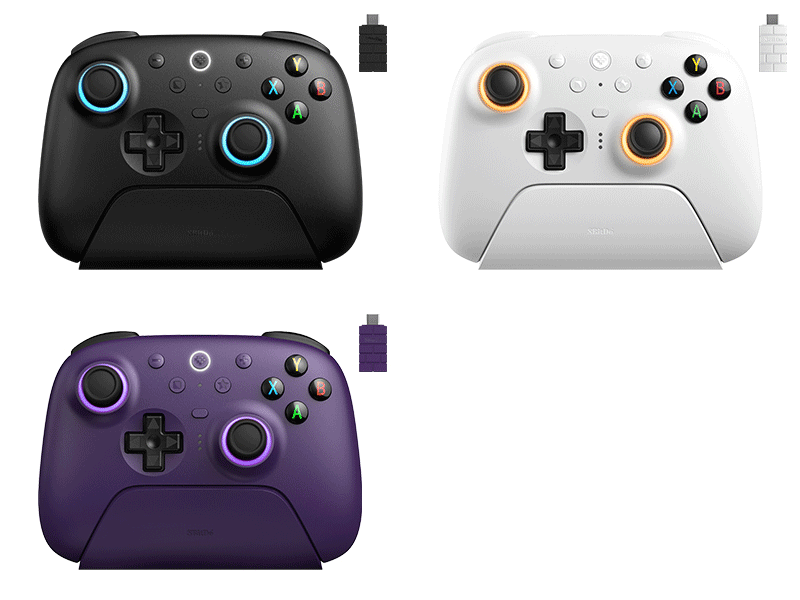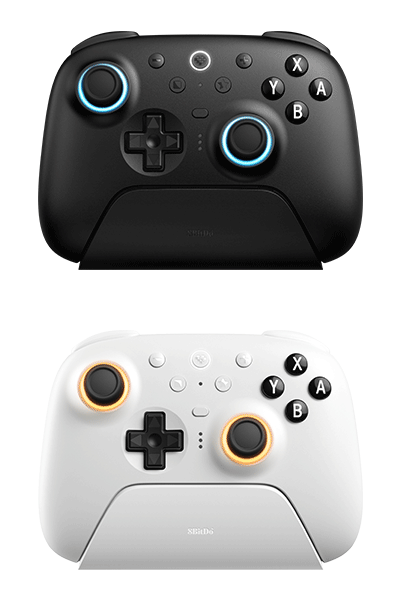
Ultimate 2 Bluetooth Controller
Flagship, fully upgraded for next-level performance. Compatible with Switch and Windows.
$50.99
$59.99
Colors:
Green Purple Black White
Firmware: v2.00
Firmware Updater:
Features
- TMR Joysticks
- Fire Ring - RGB lighting joysticks
- Extra bumpers (R4 and L4)
- 2 Pro back paddle buttons
- Trigger mode switch
- Hall Effect Triggers
- Tactile bumpers and D-pad
- Motion control (for Switch only)
- Turbo function
- Vibration
- Support 8BitDo Ultimate Software V2
Compatibility
- Switch (3.0.0 and above)
- Switch 2 (20.1.1 and above)
- Windows 10(1903) or above
In the Box
- 8BitDo Ultimate 2 Bluetooth Controller
- Charging dock
- 2.4G adapter
- USB cable
- Instruction manual
Tech Specs
| Dimensions | 147x103x61.3 mm |
|---|---|
| Weight | 246g |
Connectivity
| switch | Bluetooth, 2.4G, or Wired USB |
|---|---|
| windows | 2.4G or Wired USB |
Downloads
FAQ
Instructions for calibrating the joysticks/triggers:
Please follow the steps below: 1. Controller in the powered-on state, press and hold the LB+RB+Minus+Plus buttons for 8 seconds to enter the calibration mode, the Status LED will start to blink. 2. Push the joysticks to the edge and rotate them slowly 2–3 times. Slowly press the triggers to the bottom 2–3 times. 3. Press the same LB+RB+Minus+Plus buttons combination again to complete the calibration.
How to enable the zero-dead zone mode on the joysticks?
Please visit app.8bitdo.cn/Ultimate-Software-V2 download the software to make adjustments.
Are the RGB lighting effects adjustable?
Yes, you can customize the RGB lighting effects using Ultimate Software V2. Visit app.8bitdo.cn/Ultimate-Software-V2 download the software to make adjustments.
Is it possible for multiple controllers to pair and connect with one adapter?
No, each adapter can only support one controller connection at a time.
What joysticks are equipped on the Ultimate 2 Bluetooth Controller?
TMR Joysticks.