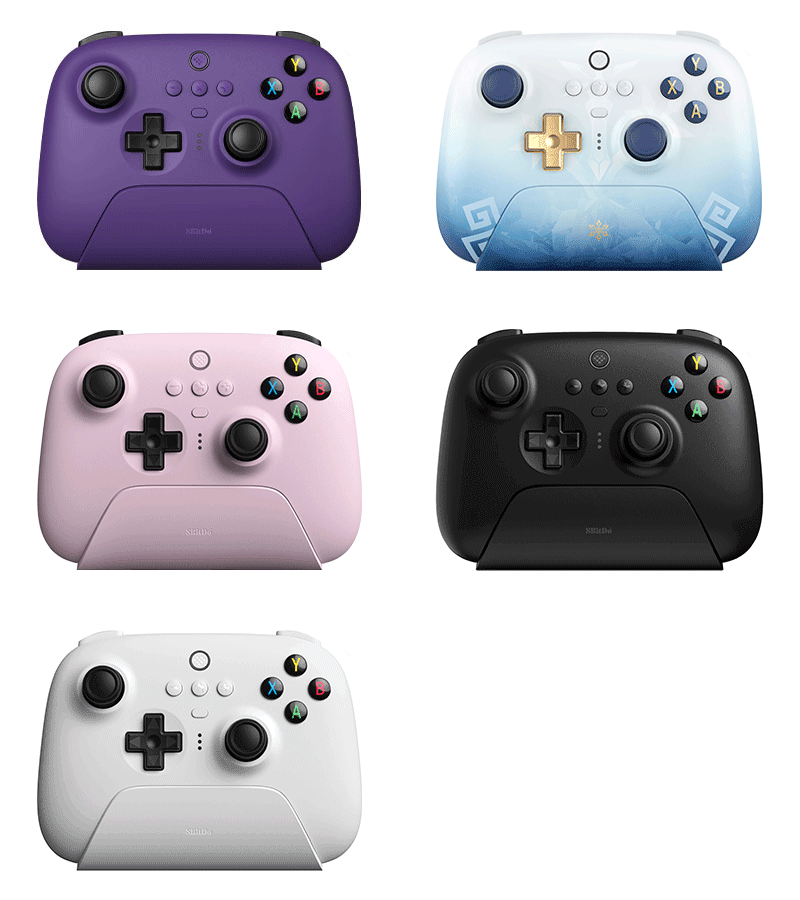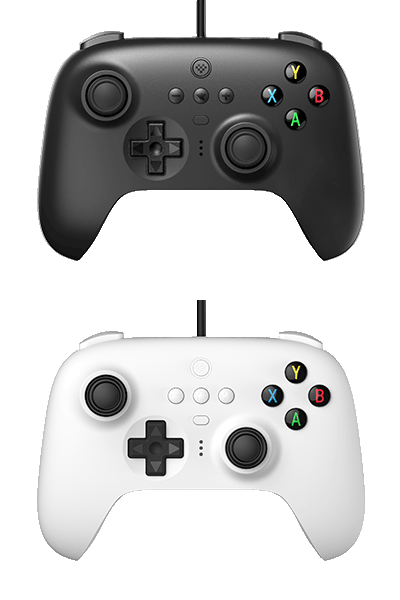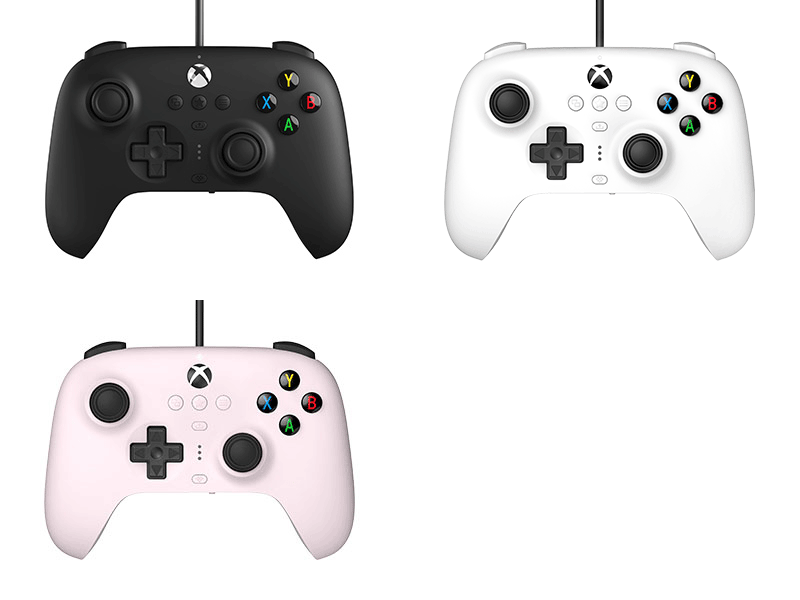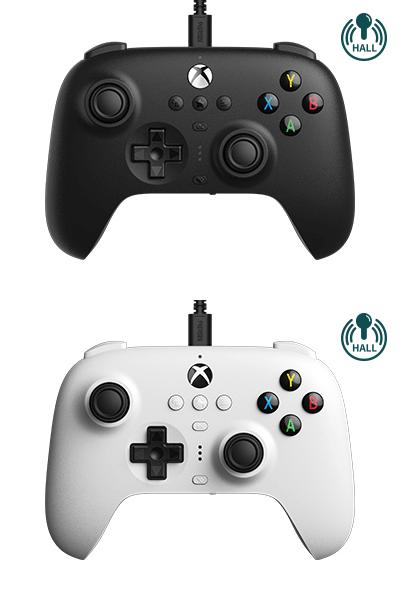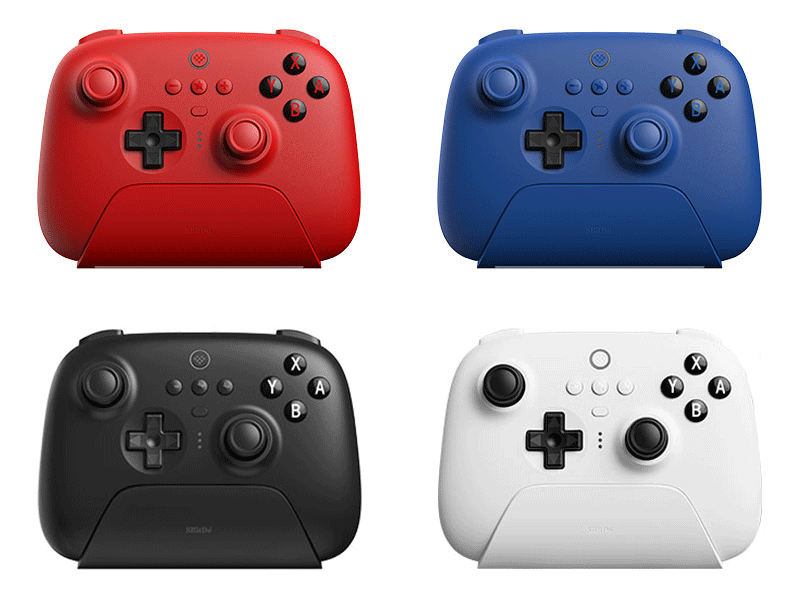
Ultimate Bluetooth Controller
Bluetooth® . Compatible for Switch
Firmware: v1.11
Firmware Updaters:
Features
- 2 Pro back paddle buttons
- Custom Profile switch button, 3 profiles, switch on the fly
- Mode switch button (Bluetooth®, 2.4g)
- Ultimate Software on PC and mobile (Android/iOS)
- Motion control (for Switch only)
- Vibration
- Charging dock
- Player indicators
Compatibility
- Switch (3.0.0 and above)
- Switch 2 (20.1.1 and above)
- SteamOS Holo 3.4 and above
- Windows 10 and above
In the Box
- 8BitDo Ultimate Bluetooth Controller
- USB cable
- Charging Dock
- 2.4g adapter
- Instruction manual
Tech Specs
| Dimensions | 147.0x104.0x61.5 mm |
|---|---|
| Weight | 245g |
| Battery | 1000 mAh (Li-ion) |
| Charge Time | 3 hours |
Controller Modes
- Switch mode
- X-input mode
Downloads
FAQ
How can I connect my Ultimate Bluetooth Controller to PC?
There are two ways to connect the controller to PC which are 2.4g wireless mode (Xinput) and USB cable mode (Xinput). How can I connect my Ultimate Bluetooth Controller to Nintendo Switch? ##### Bluetooth mode: 1. Turn on the controller, confirm the mode switch is on S. 2. Hold the pair button of the controller for 3 seconds to enter its pairing mode. 3. Go to Switch settings–Controllers–Change Grip/Order. 4. The controller home LED become solid when the connection is successful. ##### 2.4g mode: 1. Go to system settings–Controller and Sensors–Turn on [Pro Controller Wired Communication]. 2. Plug the 2.4g receiver into the Switch dock, confirm the controller mode switch is on 2.4g. 3. Press the home button and wait till the controller is successfully recognized by your Switch to play. ##### USB cable mode: 1. Go to system settings–Controller and Sensors–Turn on [Pro Controller Wired Communication]. 2. Connect the controller to Switch via USB cable(on dock) or OTG cable+USB cable(handheld). 3. The controller home LED become solid when the connection is successful. * Please note that the motion control and wake up functions are supported on the controller, which the NFC(amiibo), IR, HD rumble and notification LED functions are not supported. How do I wake up my Switch with the Ultimate Bluetooth Controller? 1. Please confirm the controller is in Bluetooth mode(mode switch on ) and have already paired with the Nintendo Switch wirelessly. 2. Press the home button to turn on the controller, shake the controller to wake up the console in sleep mode. Does the Ultimate Software support the Ultimate Bluetooth Controller? Yes, please download the [Ultimate Software for PC] and [Ultimate Software mobile app] for more information. What joysticks are equipped on the Ultimate Bluetooth Controller? GuliKit Hall Effect Sensing Joysticks. Which way is better? If I plug the receiver into the dock and connect the dock to PC via USB cable, or directly plug the receiver into the PC? Generally, both ways are fine but depends on the specific situation. Usually the first one can have a better and stable connection since the receiver is closer to the controller than the second one while you play, besides you can easily store the receiver in the dock in order not to losing it.